
Simplify your retargeting with Web Push
Turn page views into relevant campaigns with Web Push by Adrenalead.
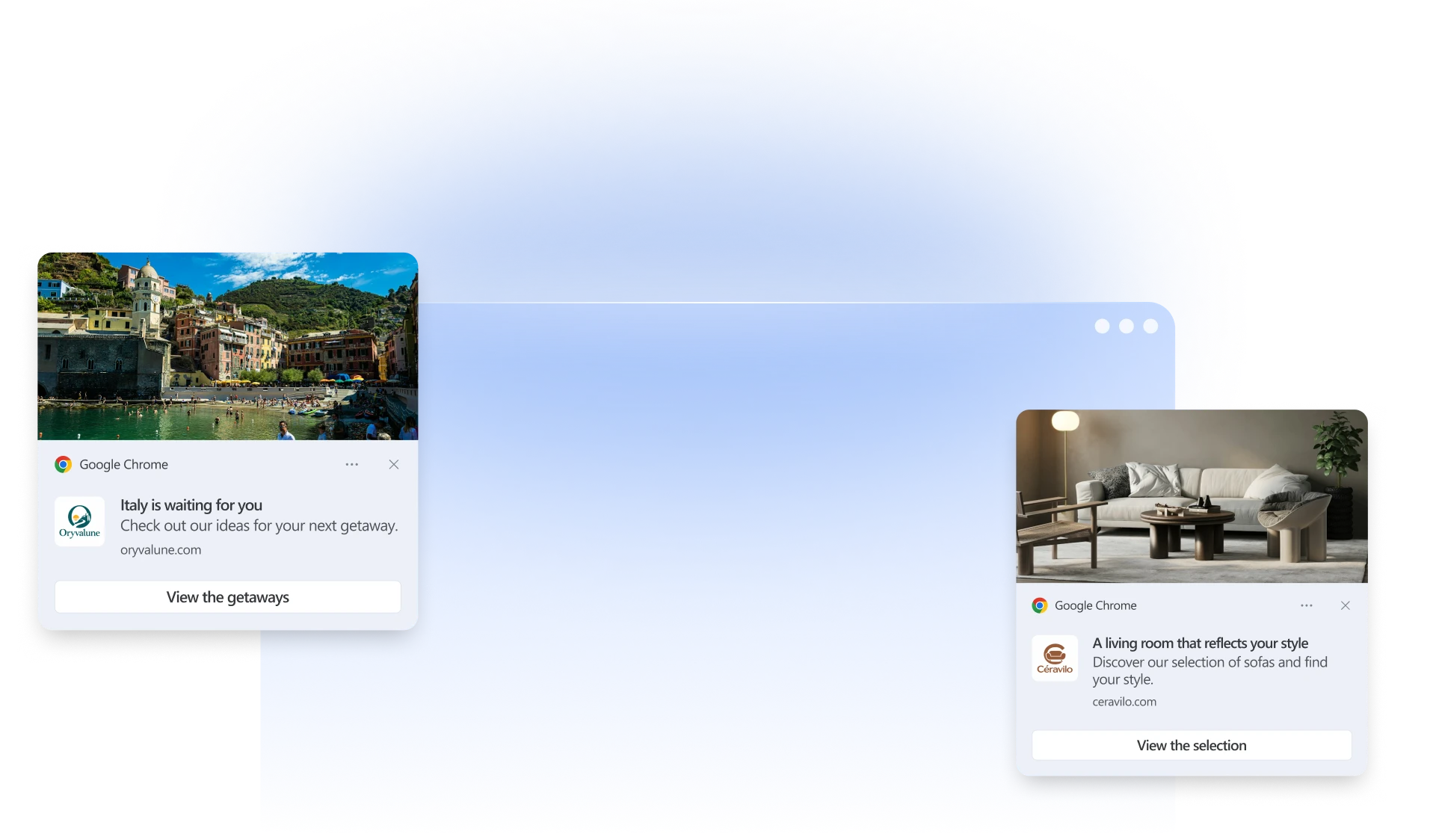





Your pages reveal what interests your visitors.
Use their browsing activity to send them a relevant message.
Today, creating relevant follow-ups is becoming a challenge:
- Messages unrelated to the pages visitors viewed
- Targeting criteria that are too broad
- Notifications that lead to an overly generic page
Web Push changes the game:
With Adrenalead, build your retargeting campaign around a page view or part of a URL. Write a message related to the topic viewed and choose a relevant destination. Our team helps you define the campaign and reach the right audience.

How does Web Push help you simplify your retargeting?
A page, a message, a destination: clear starting points for your campaign.
Start with a page view
An offer, category, or content page gives you a specific starting point for defining your audience.
Use elements of the URL
A destination or category in the URL can serve as a criterion for your retargeting campaign.
Send a relevant message
Write a notification related to the topic viewed to give your target audience a reason to return.
Choose a relevant destination
The click takes visitors directly to the offer or content featured in your notification, without a detour through your homepage.
Plan your campaign with our team
Review your chosen criterion, the audience you can reach, and your delivery settings together before launching the campaign.
Improve your next campaigns
Analyze clicks and visits to fine-tune your messages and the pages you direct your audience to.
Put your trust in Adrenalead
A SaaS solution and a Web Push platform built for marketers.
Want more?
Your targeting criterion needs to match the visitors you can reach.
Discover how Adrenalead combines retargeting your Web Push subscribers with the opportunities offered by its ad network.
Simplify your retargeting with Adrenalead in 3 steps
A clear criterion, a relevant notification, and results you can track.
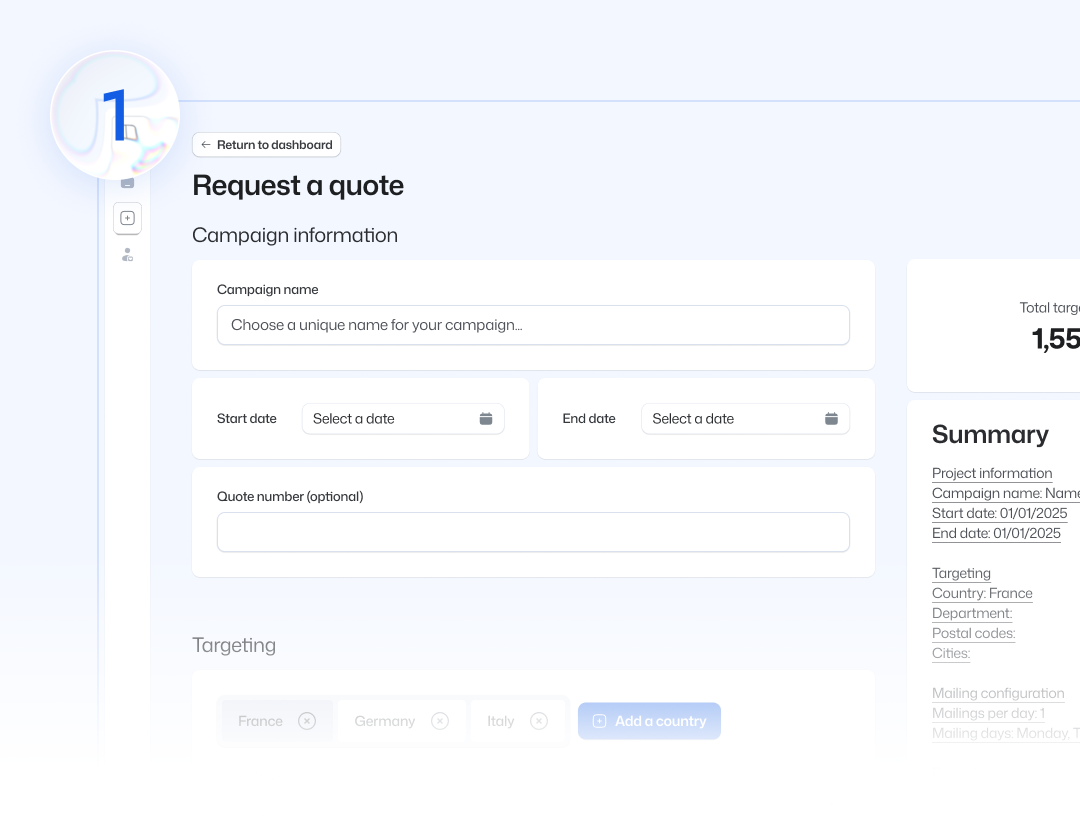
Define your criterion
Choose a page or part of a URL related to your campaign topic. For example, a visit to /stays/italy/rome can be used to build targeting around the term “italy.”
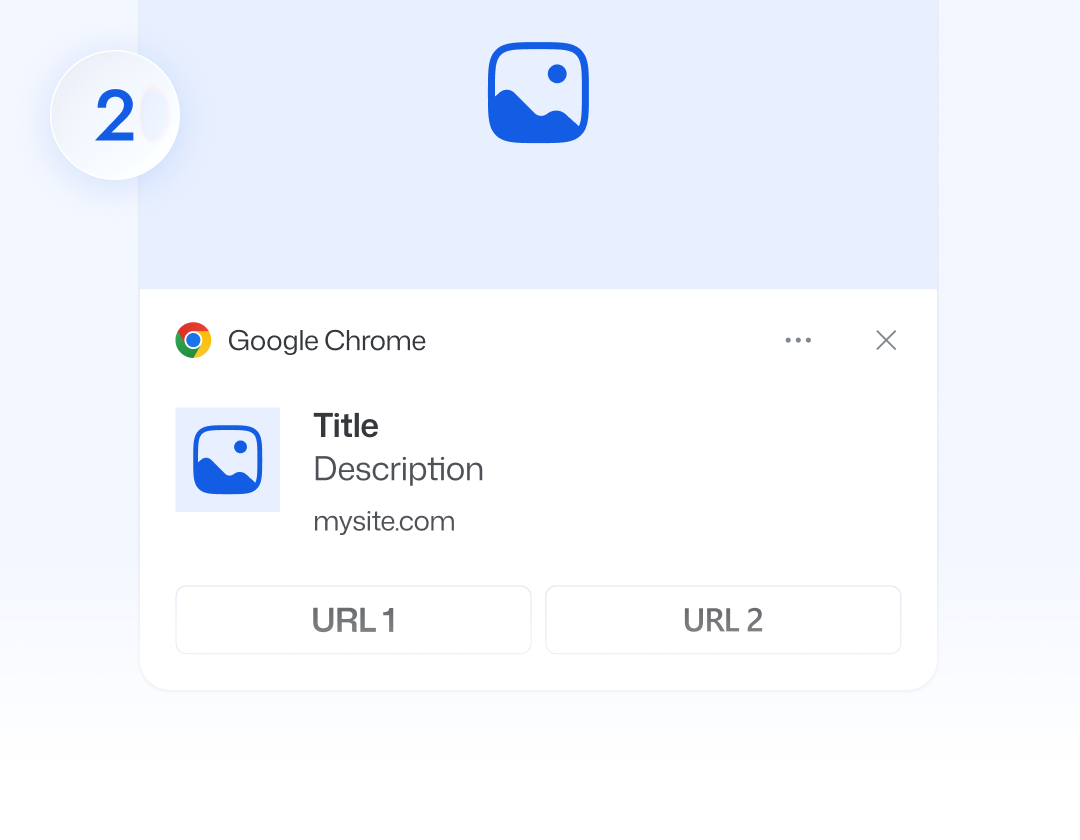
Create your notification
Write a message about your stays in Italy and link to the corresponding page. Our team helps you define delivery settings for the audience you can reach.
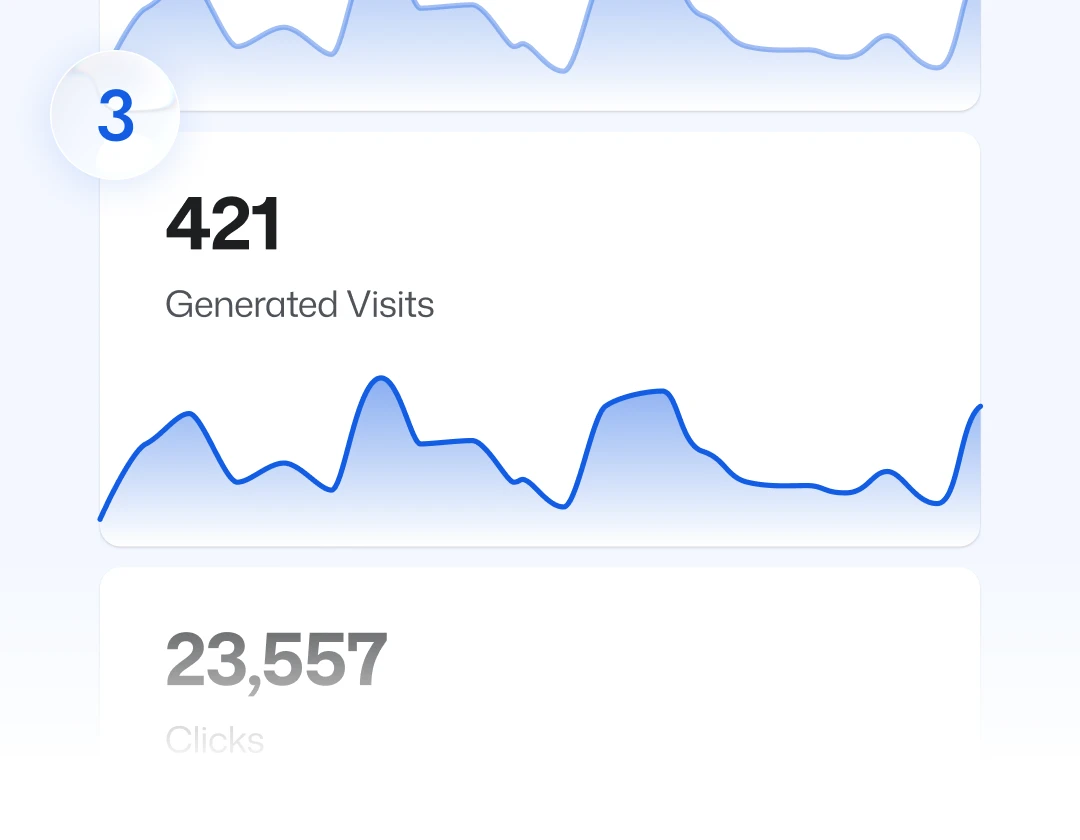
Review and track your results
Check the targeting, message, and link before sending. Then measure clicks and visits to fine-tune your next campaign.
Success stories and best practices from our advertisers
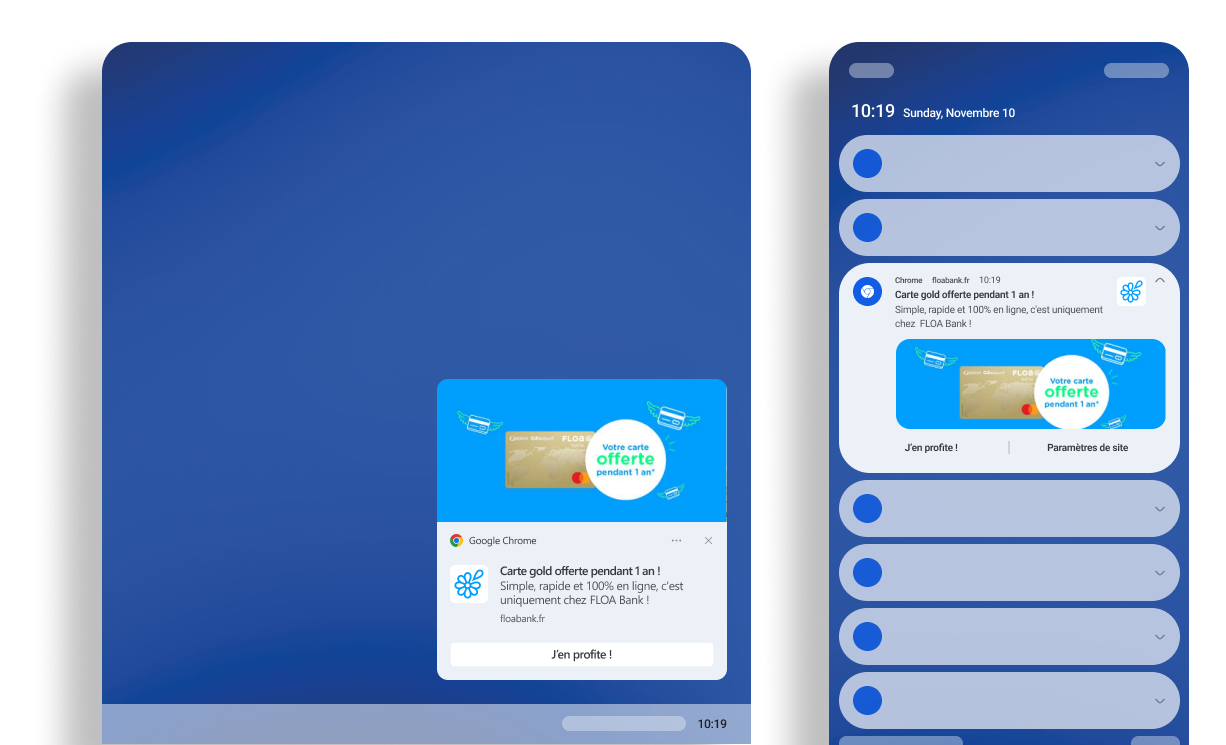
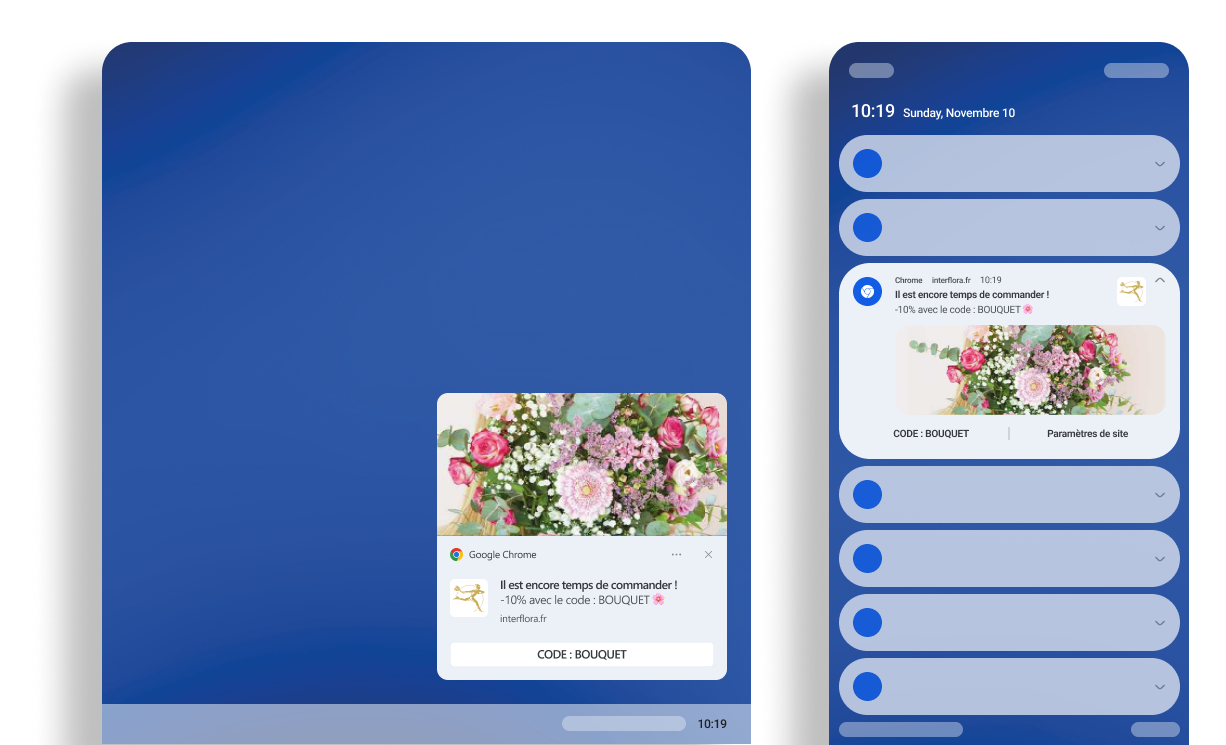
Planning campaigns, learning the platform, and bringing an audience back to a website: explore FLOA’s and Interflora’s experiences.
“It is also easy to get started with, thanks to its simple interface and fairly intuitive operation.”
Steve Mensah – Traffic Manager at FLOA
Read the full testimonial
Take action
Use Web Push!
Start with a page to plan your next campaign.
With Adrenalead, choose a criterion, a message, and a destination to give your visitors a reason to return.